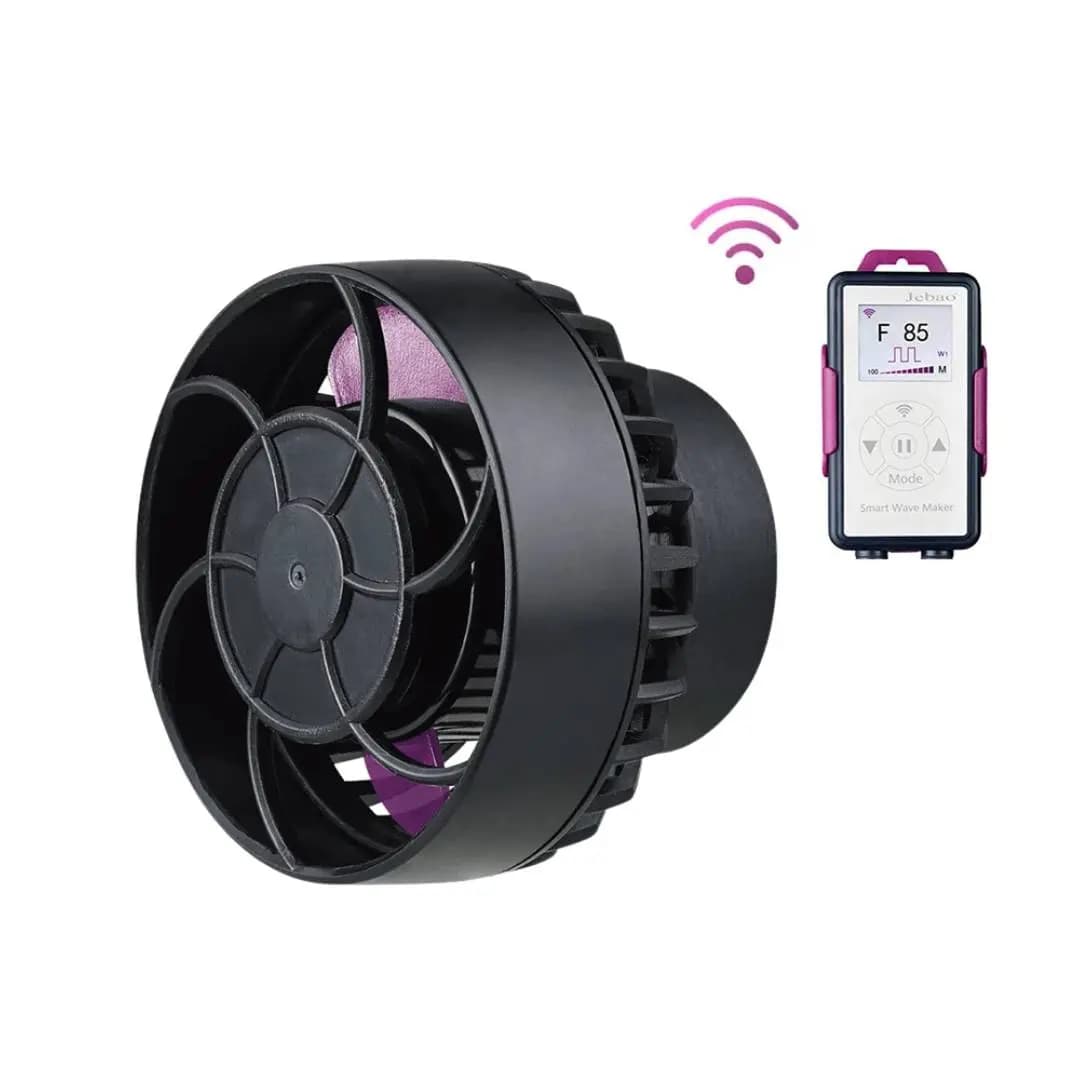
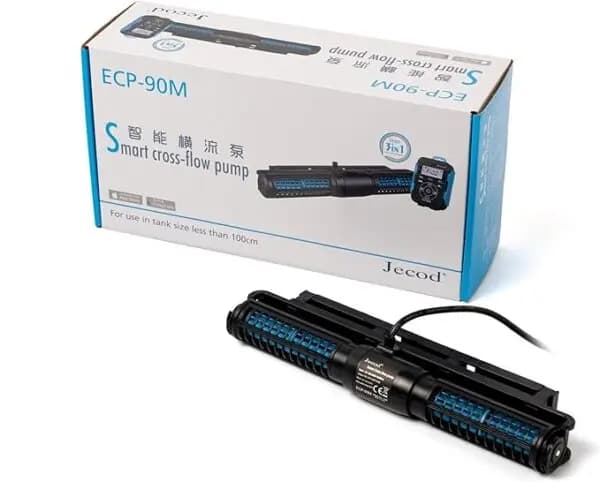
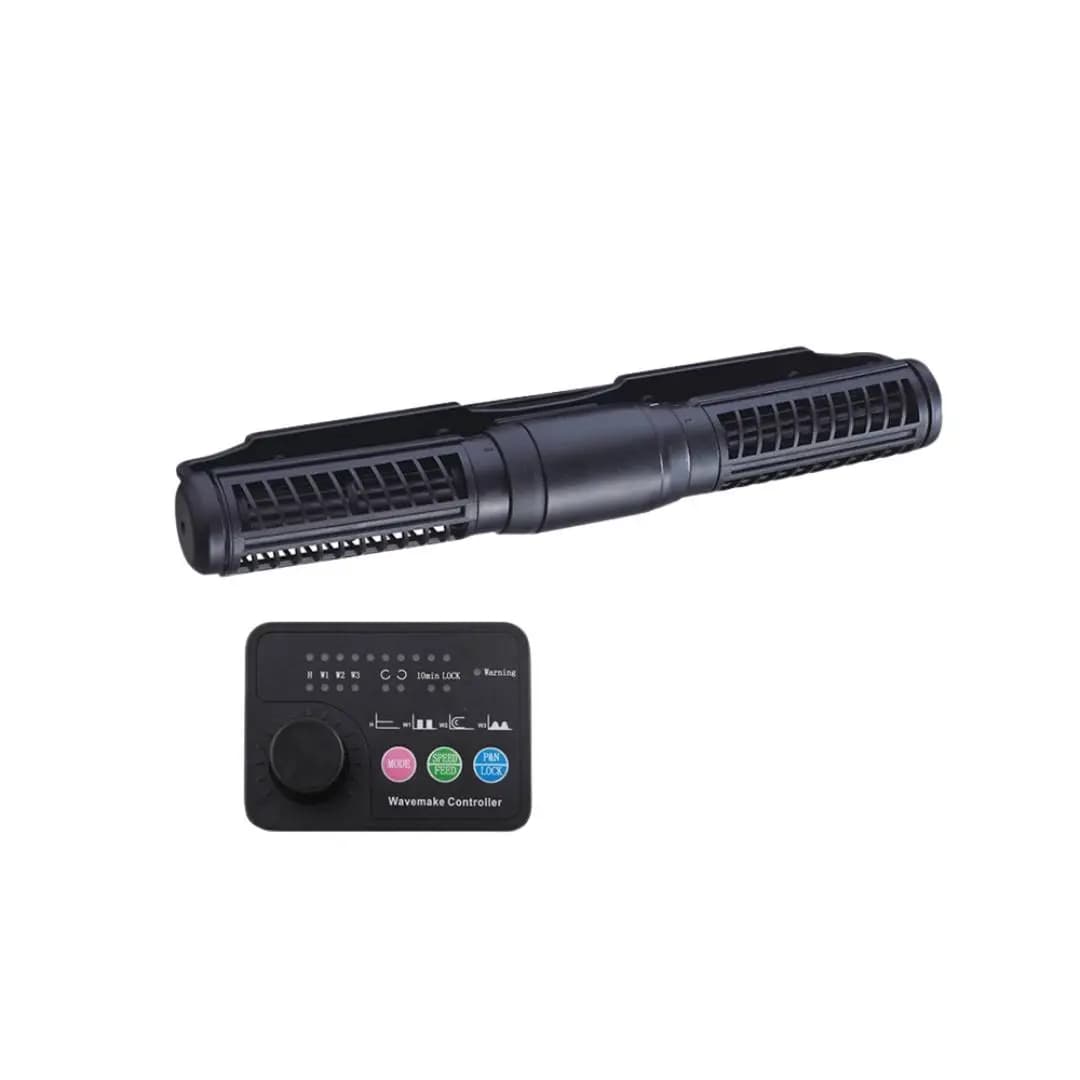
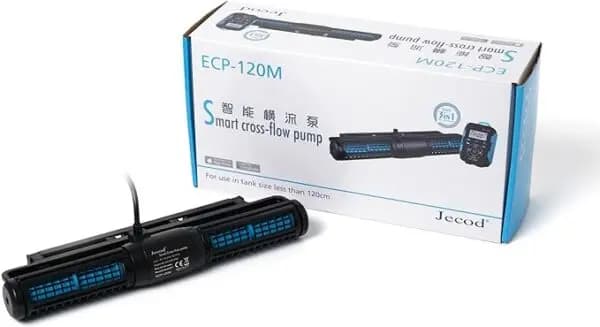
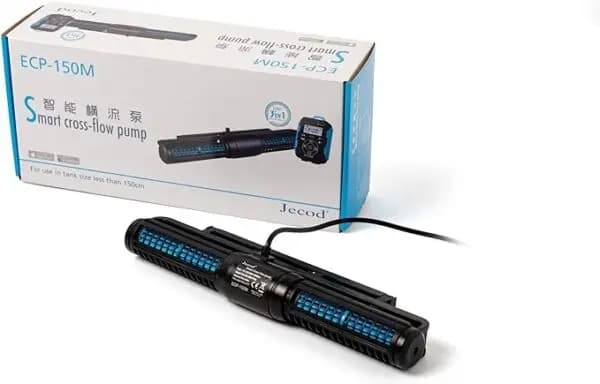
Jebao Jecod ECP-70M Cross-Flow Pump Wave Maker – Compact, Silent, Wi‑Fi Controlled Wave Creation
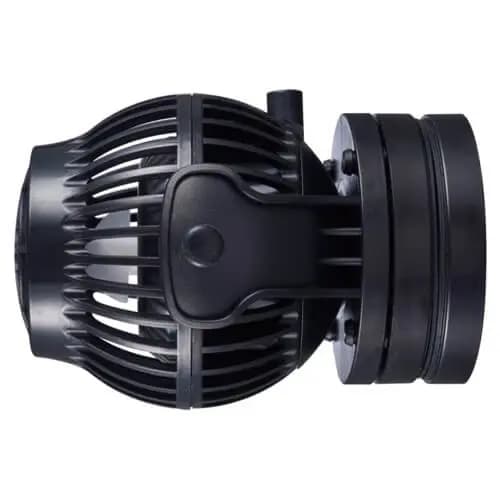
The Jebao Jecod ECP-70M is a smart cross‑flow pump designed to generate gentle, natural waves in both marine and freshwater aquariums. Its super‑small footprint and ultra‑quiet sine‑wave motor make it ideal for community tanks, reef setups, and nano‑systems where noise and space are at a premium.
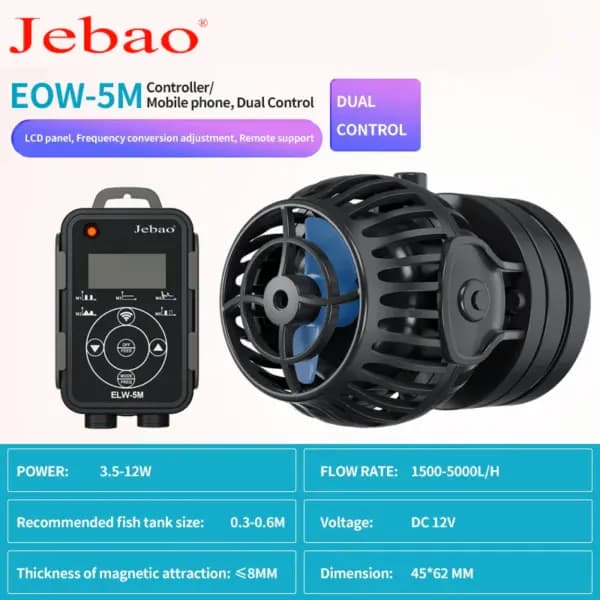
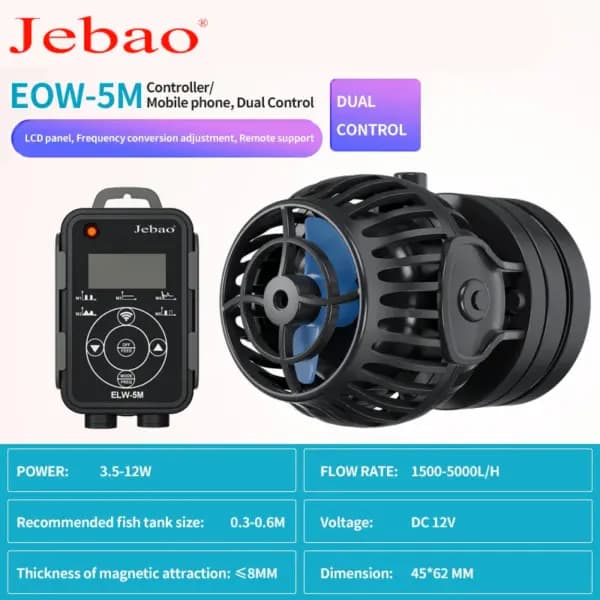
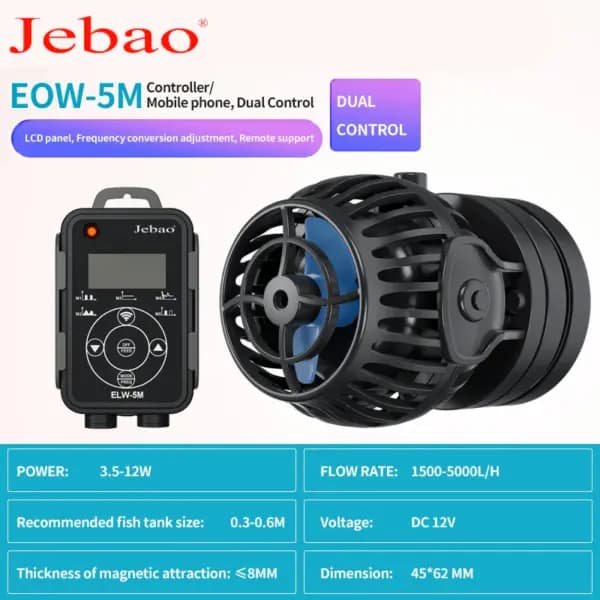
Thanks to built‑in Wi‑Fi and an intuitive LCD controller, you can fine‑tune wave intensity, direction, and timing from your smartphone using the Jebao app, or simply adjust settings manually. Plug the unit directly into any 100‑240 V outlet for instant operation.
Specifications
- Dimensions: 8.5" × 2.5" × 1.25" (215 mm × 64 mm × 32 mm)
- Voltage/Frequency: 100‑240 V, 50/60 Hz
- Power Consumption: 24 V DC, 18 W
- Maximum Flow Rate: 5,000 LPH
- Suitable Tank Size: 60‑80 cm (height)
- Glass Thickness Support: up to 8 mm
- Power Source: AC (included power adapter)
- Controller: Wi‑Fi (iOS & Android) + manual LCD controller
- Wave Technology: Sine‑wave, cross‑flow single impeller, no dead‑end flow
- Compatibility: Marine & Freshwater
- Weight: 2 lb (≈ 0.9 kg)
- Included Components: Pump, controller, power adapter
How to Use This Wave Maker
- Unbox the pump and verify that the pump, controller, and power adapter are present.
- Place the pump in the aquarium, ensuring the inlet and outlet are fully submerged and clear of debris.
- Connect the power adapter to a standard 100‑240 V wall outlet.
- Power on the unit and use the LCD controller to set a basic flow rate, or download the Jebao app, connect to the pump’s Wi‑Fi network, and customize wave patterns remotely.
- Adjust wave intensity, direction, and timing via the app or controller until the desired water movement is achieved.
- When cleaning or performing maintenance, turn off the pump, disconnect power, and remove the unit safely.
Care & Maintenance Tips
- Periodically clean the impeller and inlet/outlet screens to prevent clogging.
- Check that the water level always covers the pump’s inlet to avoid dry‑run damage.
- Wipe the exterior with a soft, damp cloth; avoid abrasive cleaners.
- Ensure the Wi‑Fi module remains dry and free of salt deposits.
- Update firmware through the Jebao app when prompted for optimal performance.
- Store the pump in a dry environment if it will not be used for an extended period.